

Answer every question before checkout
Shoppers ask right on the product page. You answer from one inbox with a QI draft to start from, and every answer stays on the page for the next buyer.
- Shoppers askThe Ask a question button on your product page opens a short form.
- You answerWrite the answer yourself or start from a QI draft.
- You hear about itAn email alert lands for every new question.
- They hear backQuoli emails your answer to the shopper who asked.
Every question in one inbox
See what is waiting, what is answered and how fast your team replies. Filter by product or date and keep unanswered questions on top.
- Waiting, answered, answer rate and average response time at a glance
- Search by question or shopper name
- Archive anything off topic and bring it back anytime
QI drafts every answer
Answer with QI writes a short draft from the product details, your store's tone and your recent answers. You check the facts, edit and publish.
- Nothing goes live until you publish it
- Every QI answer is tagged Drafted with QI in your inbox
- QI drafts come with the Advanced and Unlimited plans
A form that fits your store
Set the heading, the prompt and the button label, then check every change in the live preview before shoppers see it.
- Question, name and email on one short form
- A thank-you screen in your own words
- Shopper emails stay private and names show with the question
Alerts for you and shoppers
Quoli emails you when a new question comes in and emails the shopper as soon as you publish the answer.
- New question alerts go to the store owner or any address you choose
- Add your own note to the Question answered email
- A Shopify Flow trigger fires for every question asked
Everything else in Questions
The details that keep questions easy to run on every product.
Questions next to reviews
One product page block shows Reviews and Questions as tabs, or questions on their own.
Search on the product page
Shoppers search questions and answers and every match is highlighted.
Sort and paging
Most recent or oldest first, with numbered pages, Show more or infinite scroll.
A direct link to answers
Point shoppers to the Questions tab from anywhere on your store.
Import and export
Bring questions in with a CSV and export them by status or date asked.
QI question summary
See what shoppers keep asking in one short summary on Growth and up.
 |Fragrance
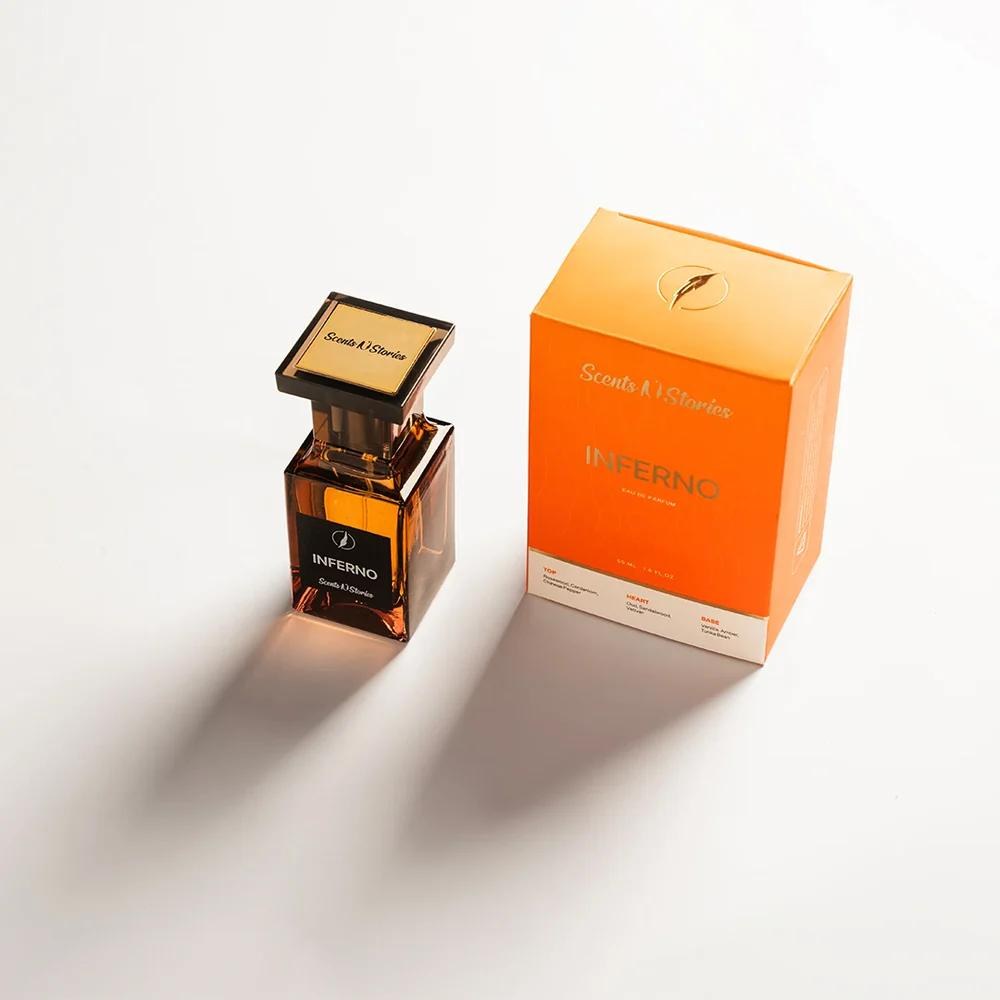
10K+ reviews for scents no one can smell online
“We have had a fantastic experience with Quoli so far! Their customer service is top-notch; they customized and onboarded us within a day. Throughout the process, they have been incredibly supportive, especially with integrations and other technical aspects.”
Questions about product Q&A
Where do questions show on my store?
In the Quoli product page block, as a Questions tab next to Reviews or on its own. Shoppers search, sort and ask from there.
Do new questions go live right away?
No. New questions wait in your inbox and show on the product page once you publish an answer. Anything off topic can be archived.
How does QI draft an answer?
Answer with QI writes a short draft from the product details, your store's tone and your recent answers. You review it, edit it and publish it yourself. QI drafts come with the Advanced and Unlimited plans.
Will I know when a question comes in?
Yes. Quoli sends a New question alert for every new question, to the store owner or to the address you set in General settings.
Does the shopper hear back?
Yes. Publishing an answer emails it to the shopper who asked, with a link back to the product.
Is Questions on the free plan?
Yes. Questions and answers are part of every plan, including the free forever plan. Paid plans start with a 14-day trial.
See Quoli on your store
Start on the free forever plan or book a demo with a product expert.