Product star ratings
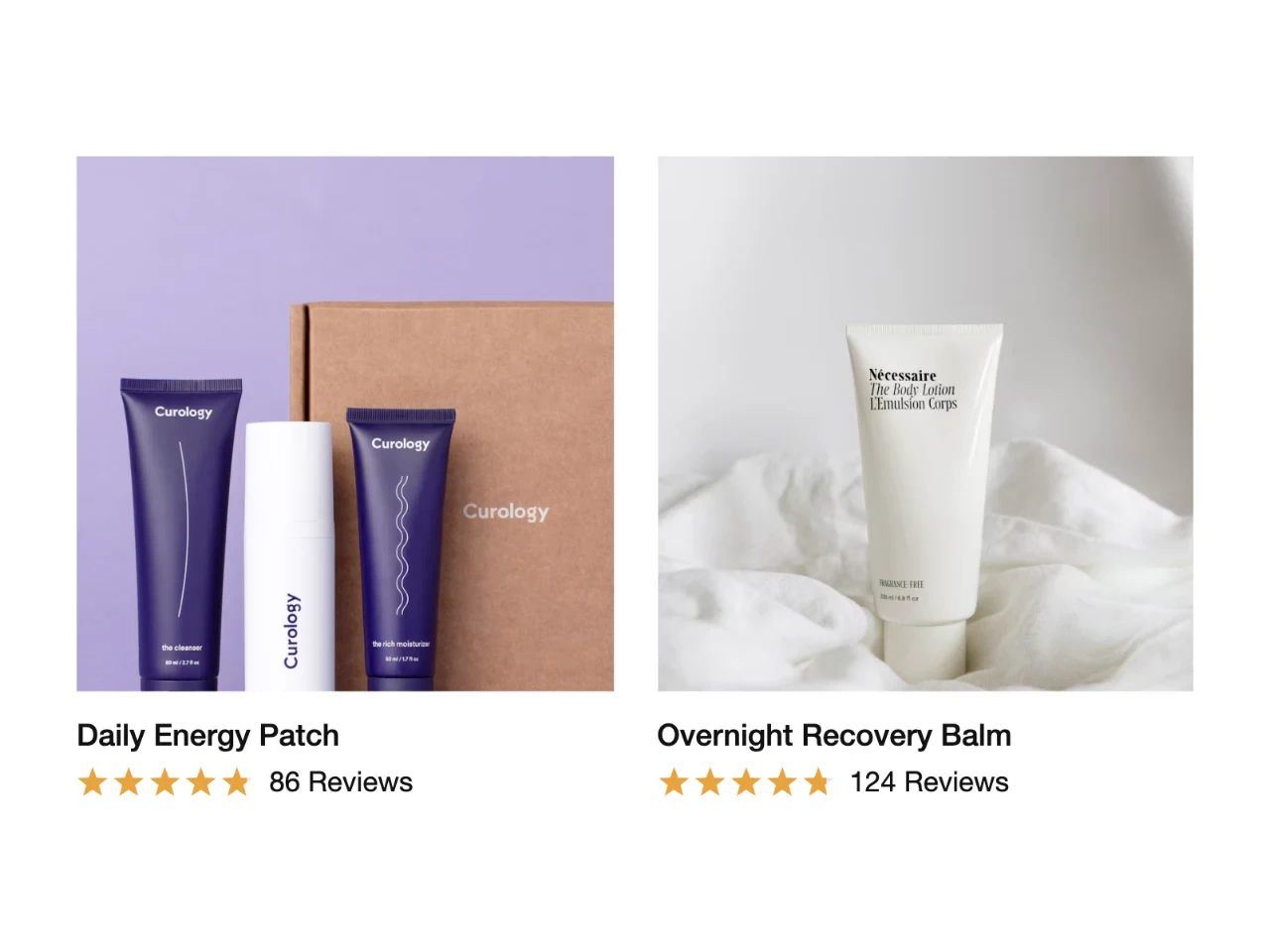
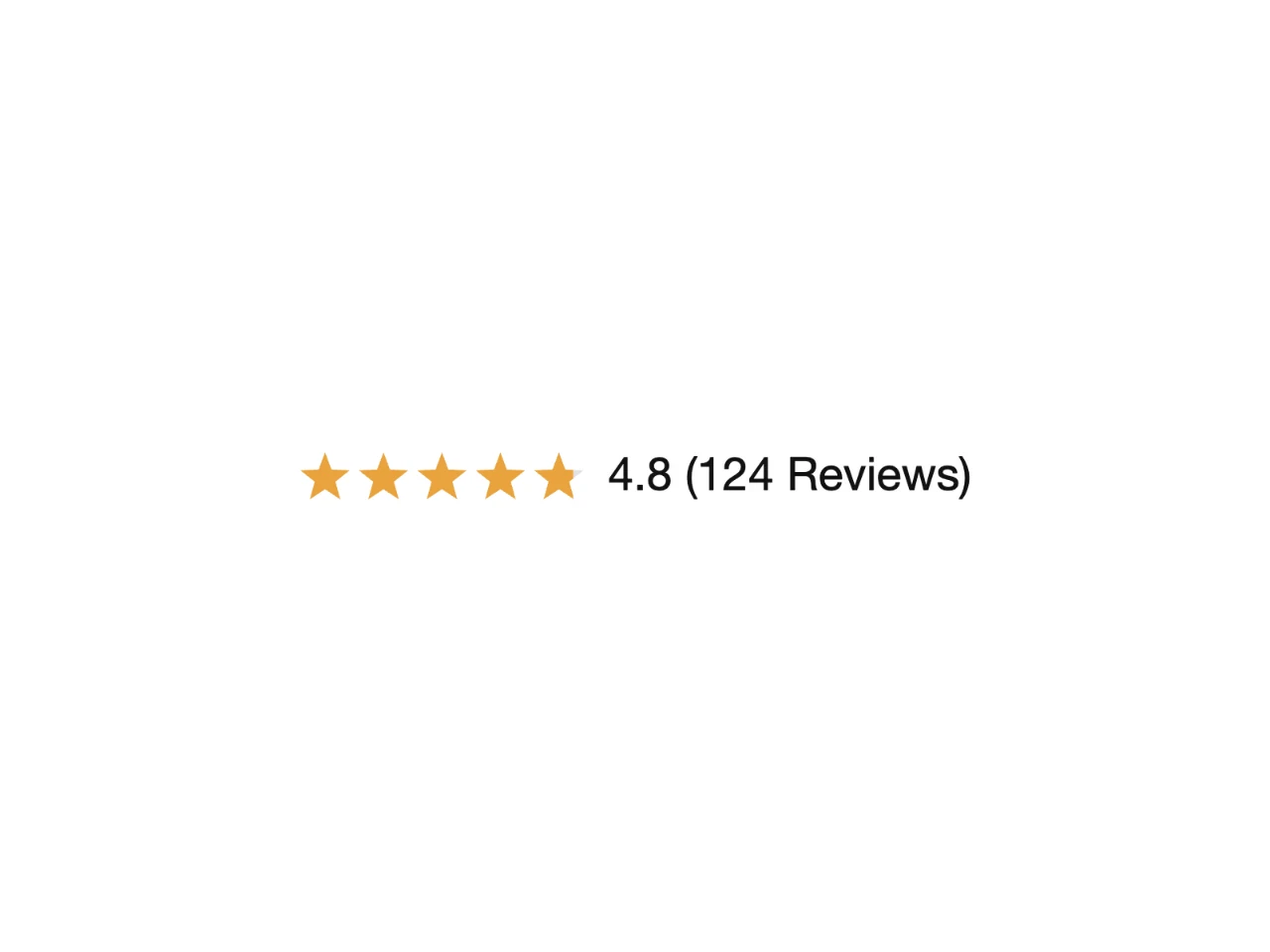
Stars and a review count under the product title, right by the price.

Widgets for product pages, your homepage, collections, cart and checkout, all in your brand colors and fonts.
Where shoppers decide, right next to the price and the buy button.
Stars and a review count under the product title, right by the price.
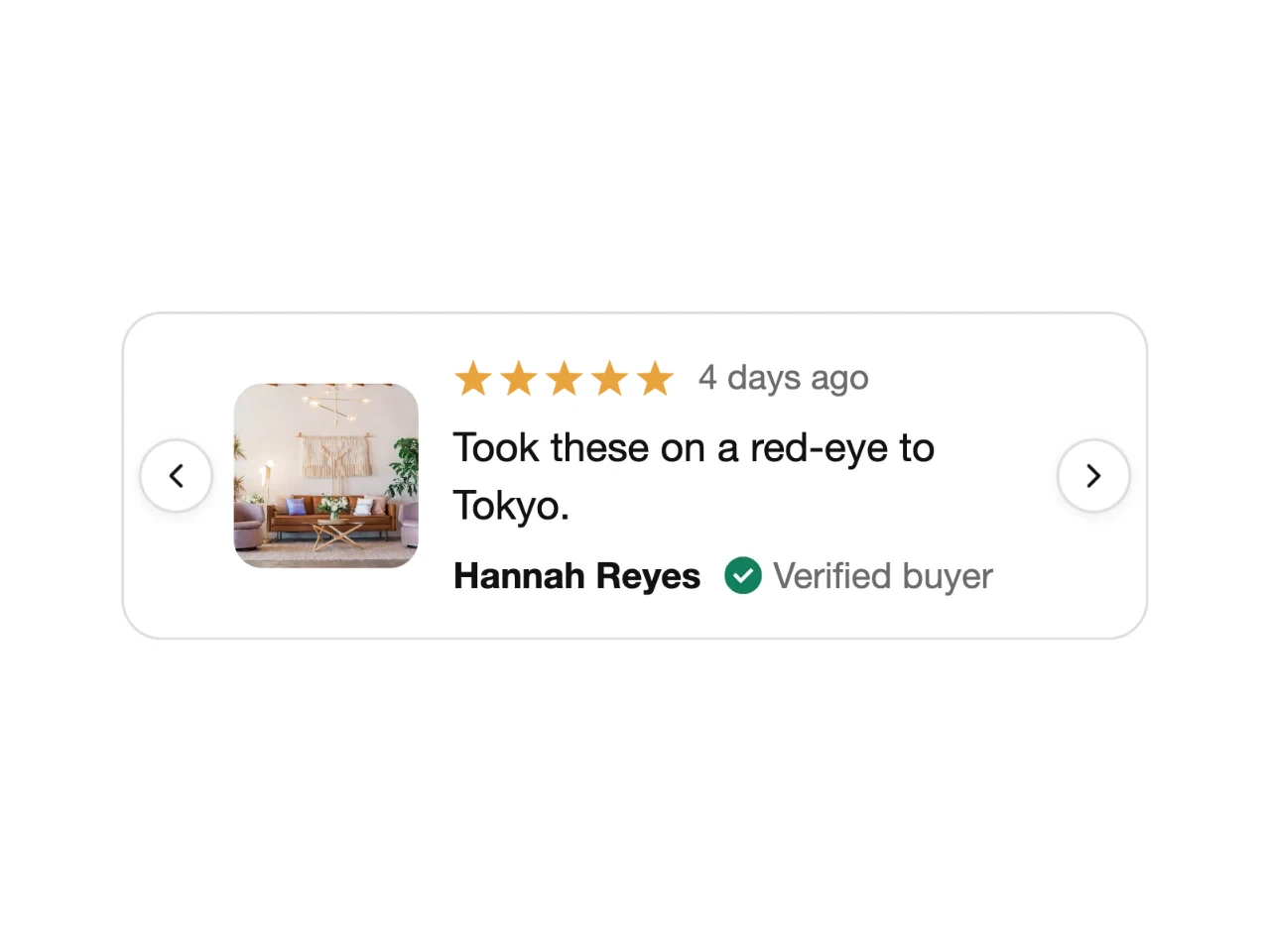
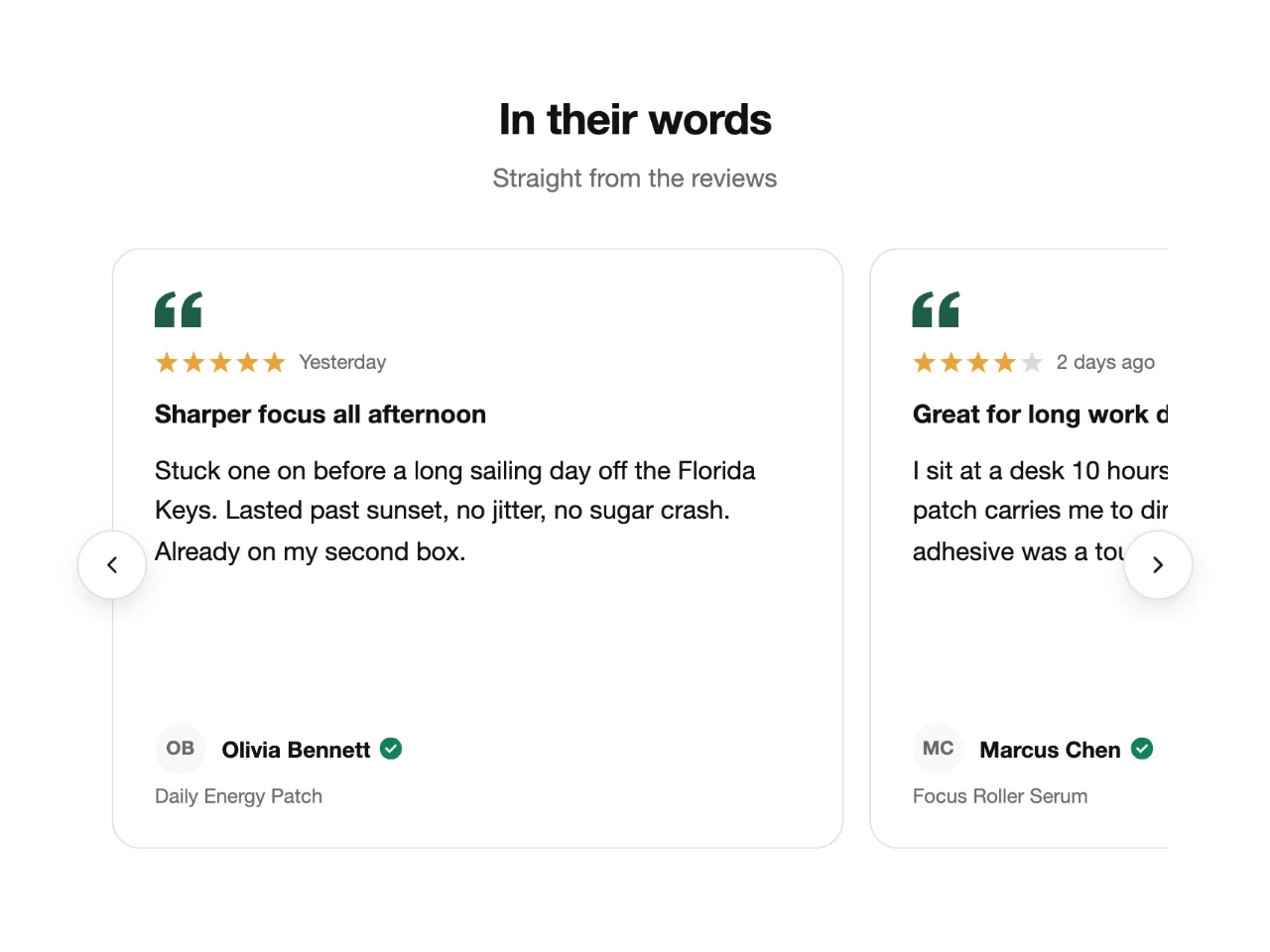
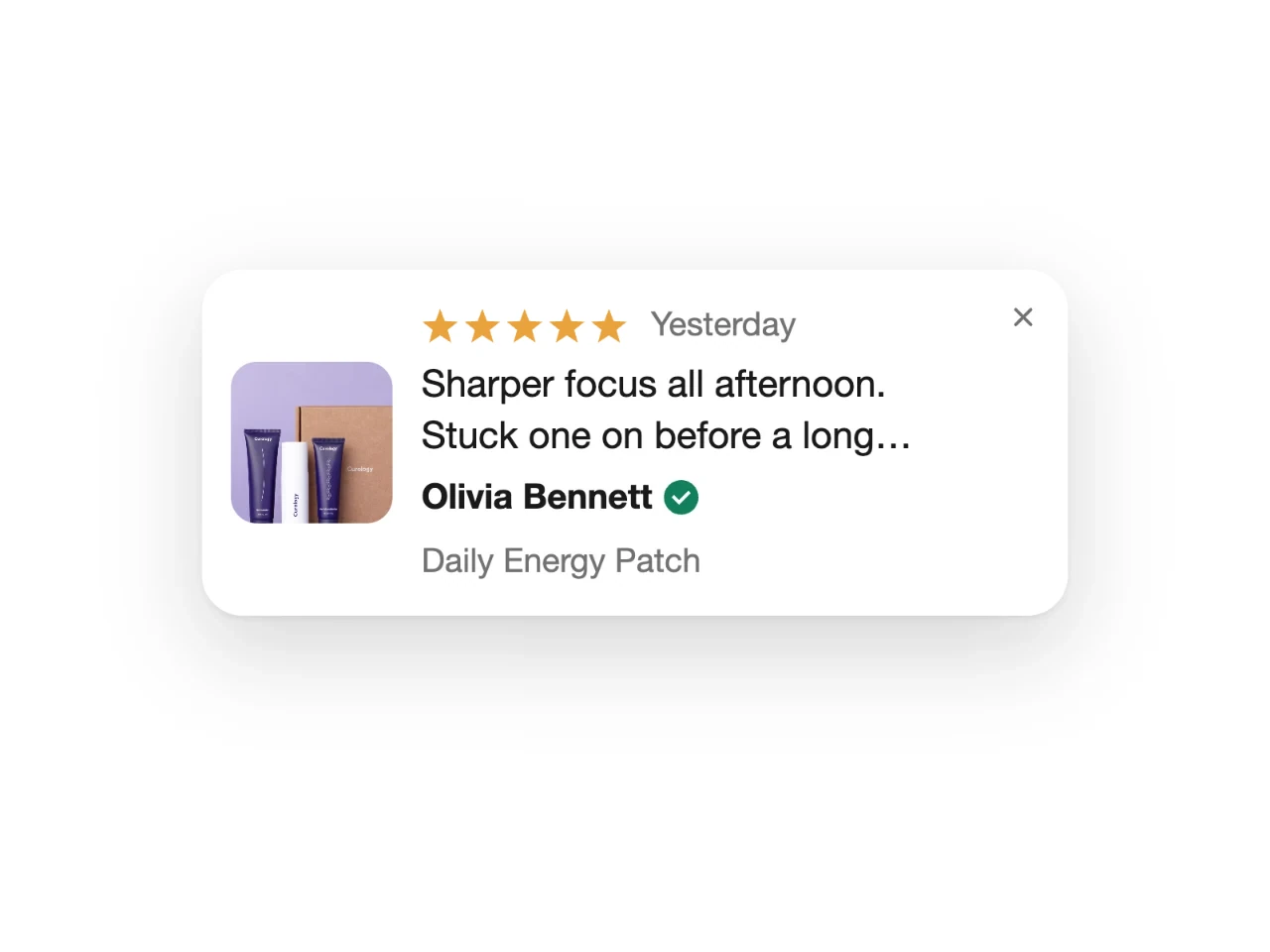
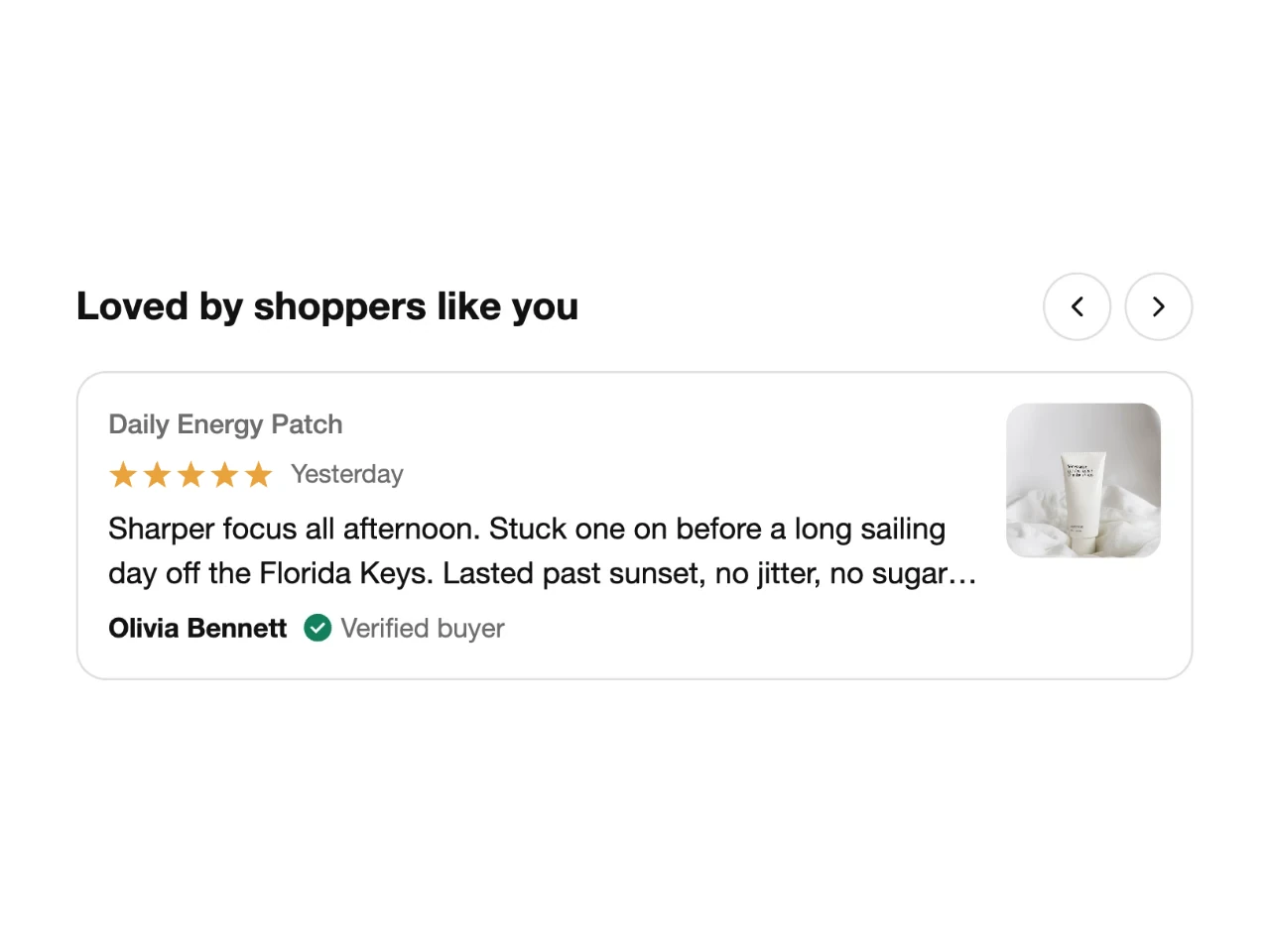
Customers' best lines rotating next to the buy button.
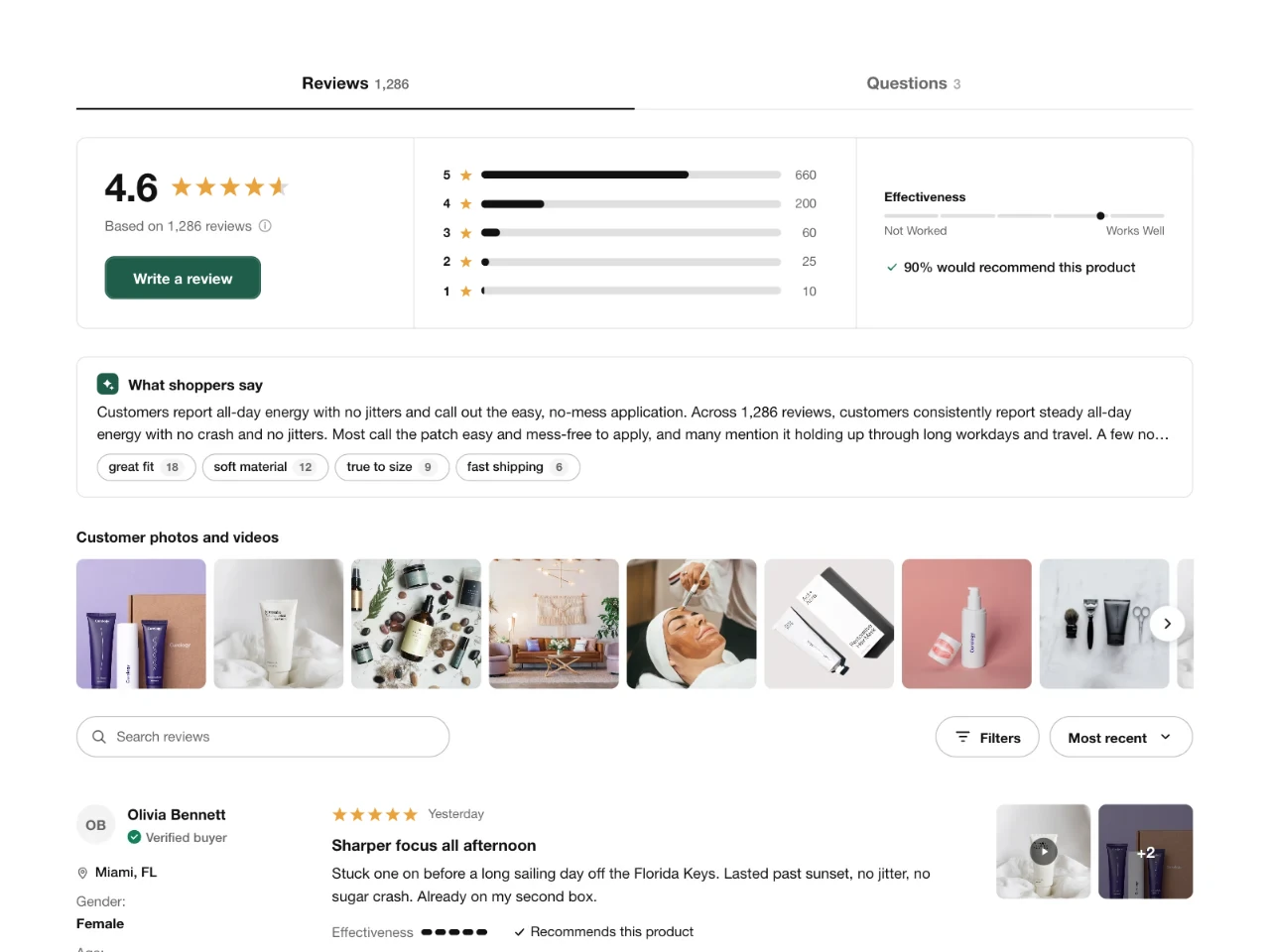
The full reviews section with photos, filters, a QI summary and questions.
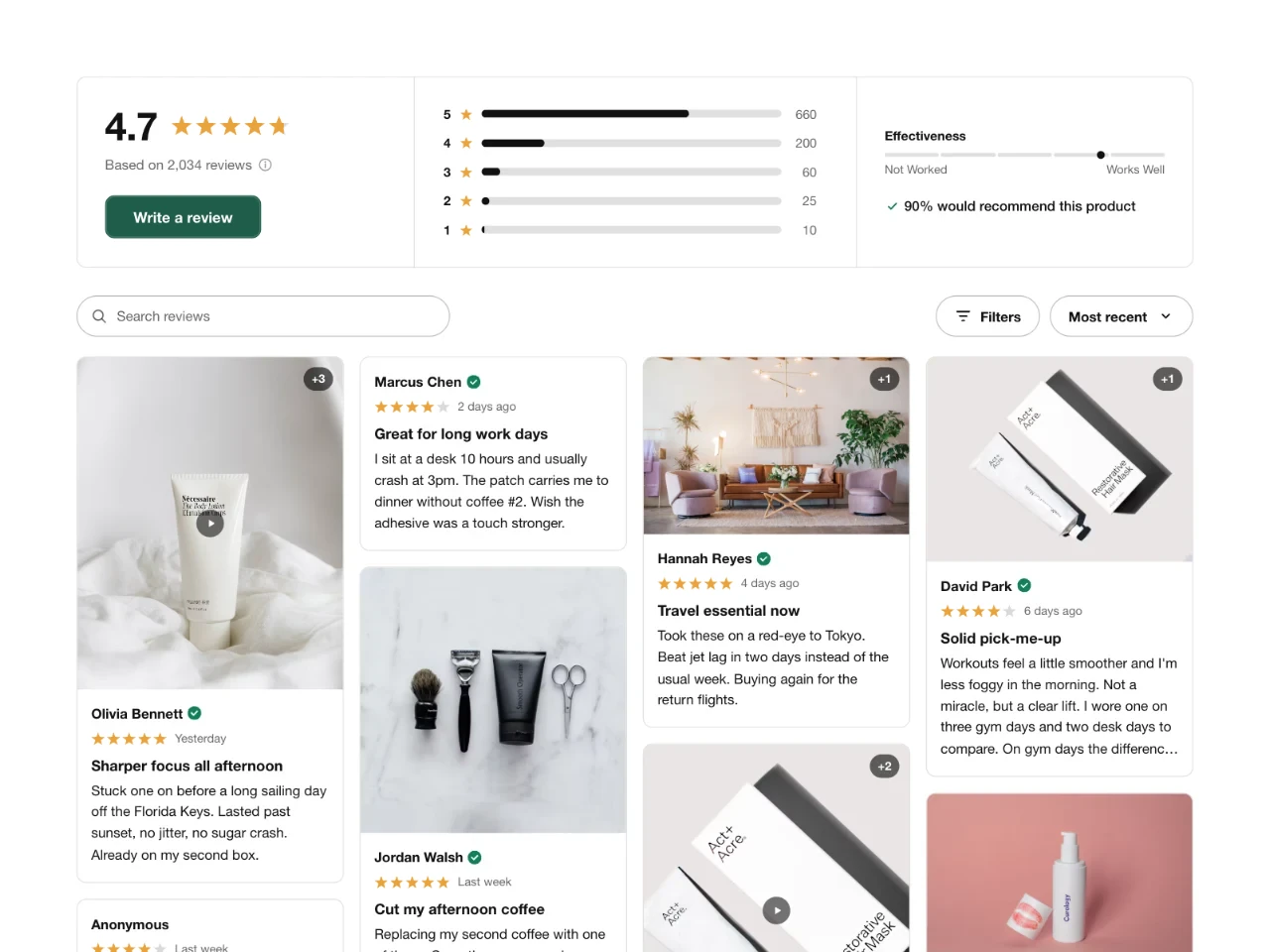
A masonry wall of photo, video and text reviews.
Eight looks for the reviews that open your store, from photo walls to a single big quote.
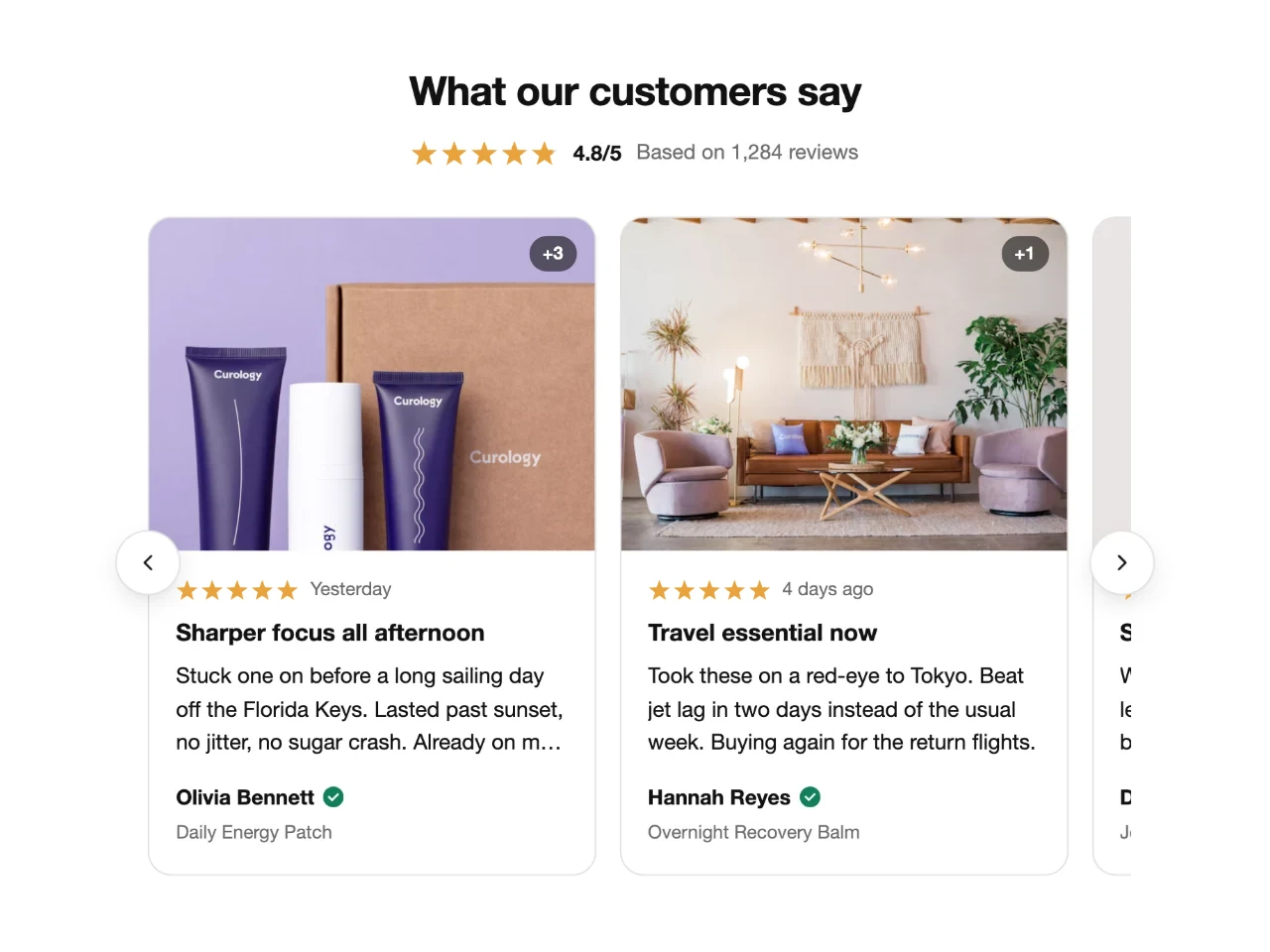
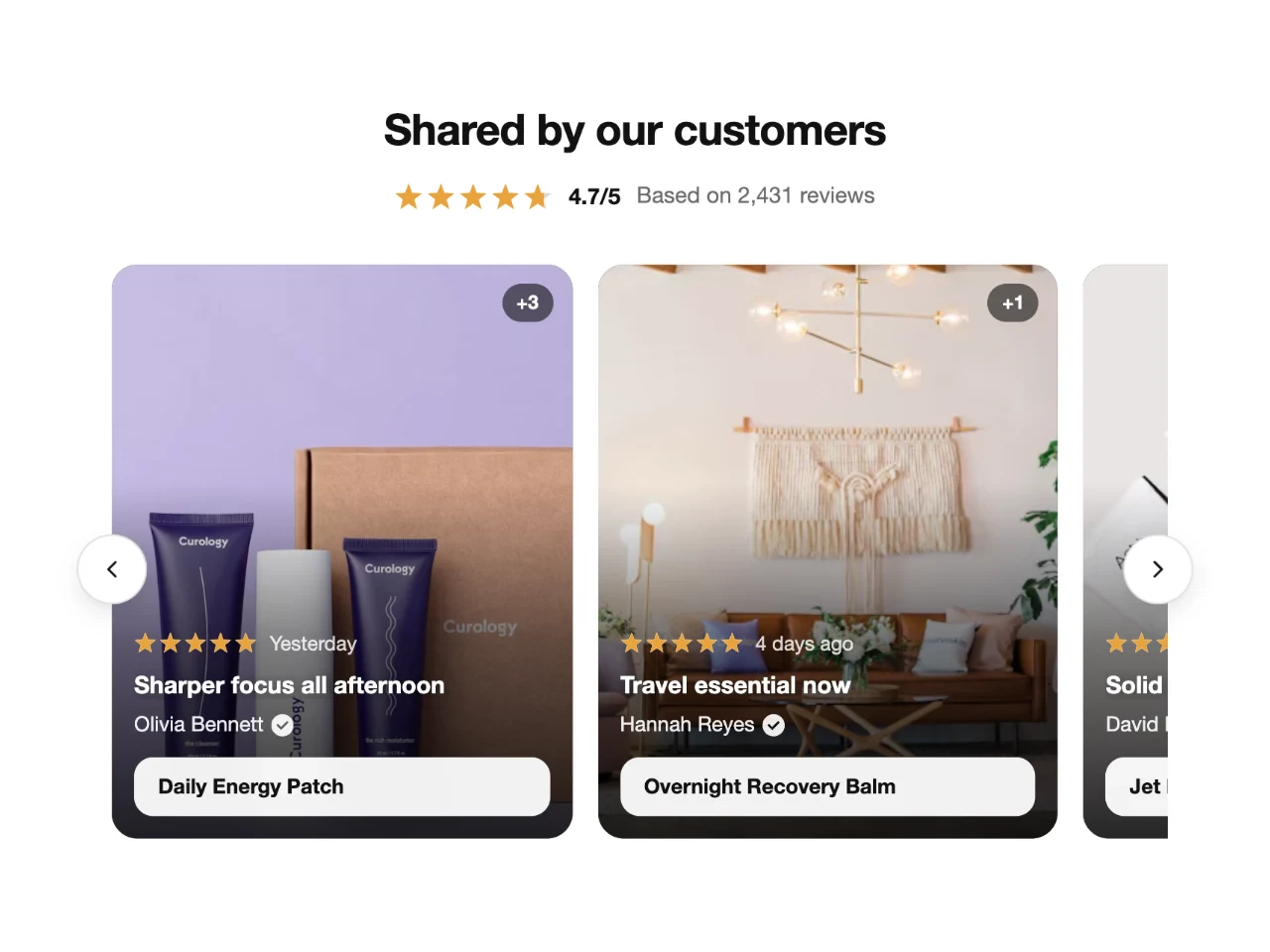
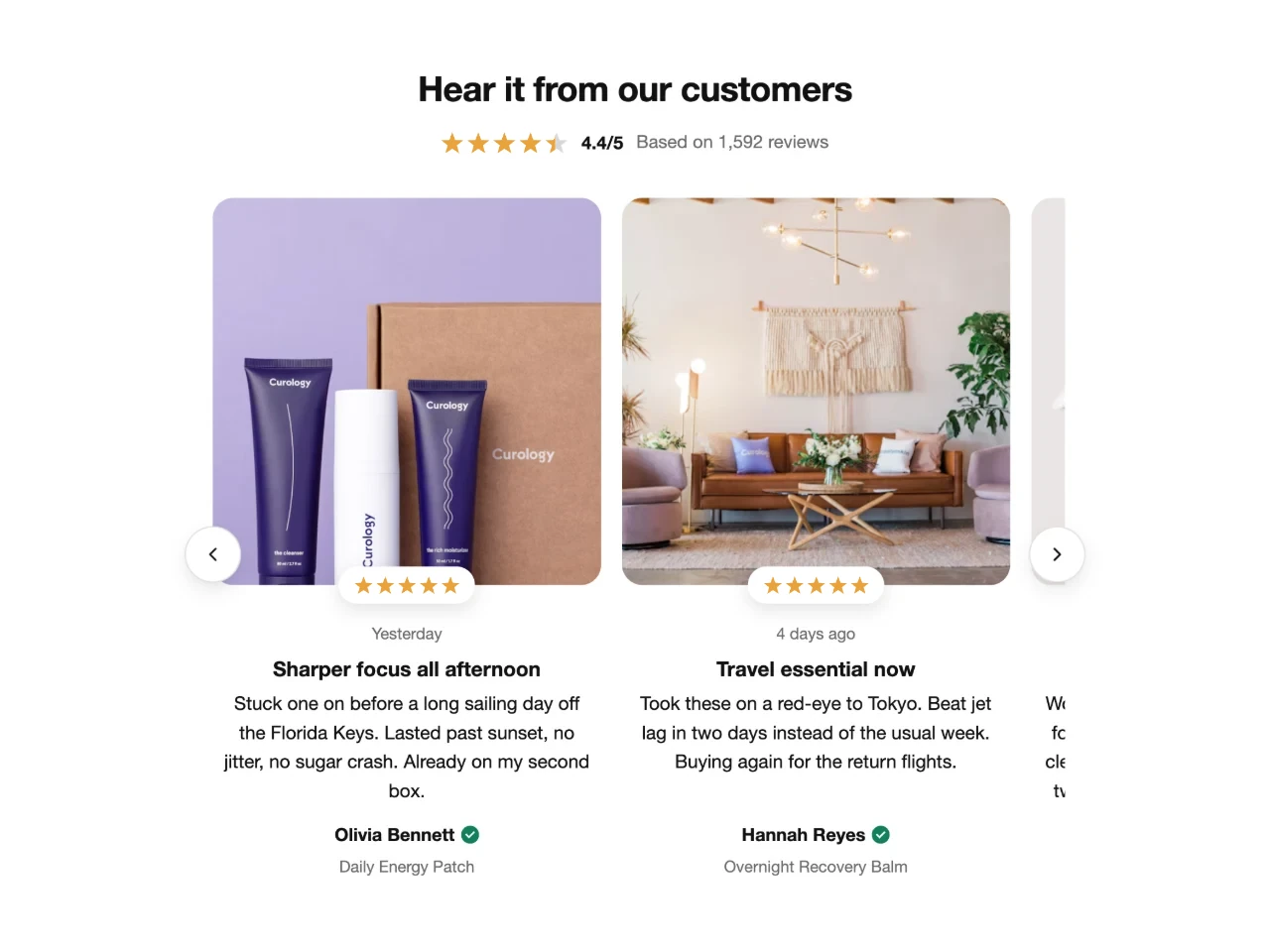
A swipeable row of review cards with photos, ratings and quotes.
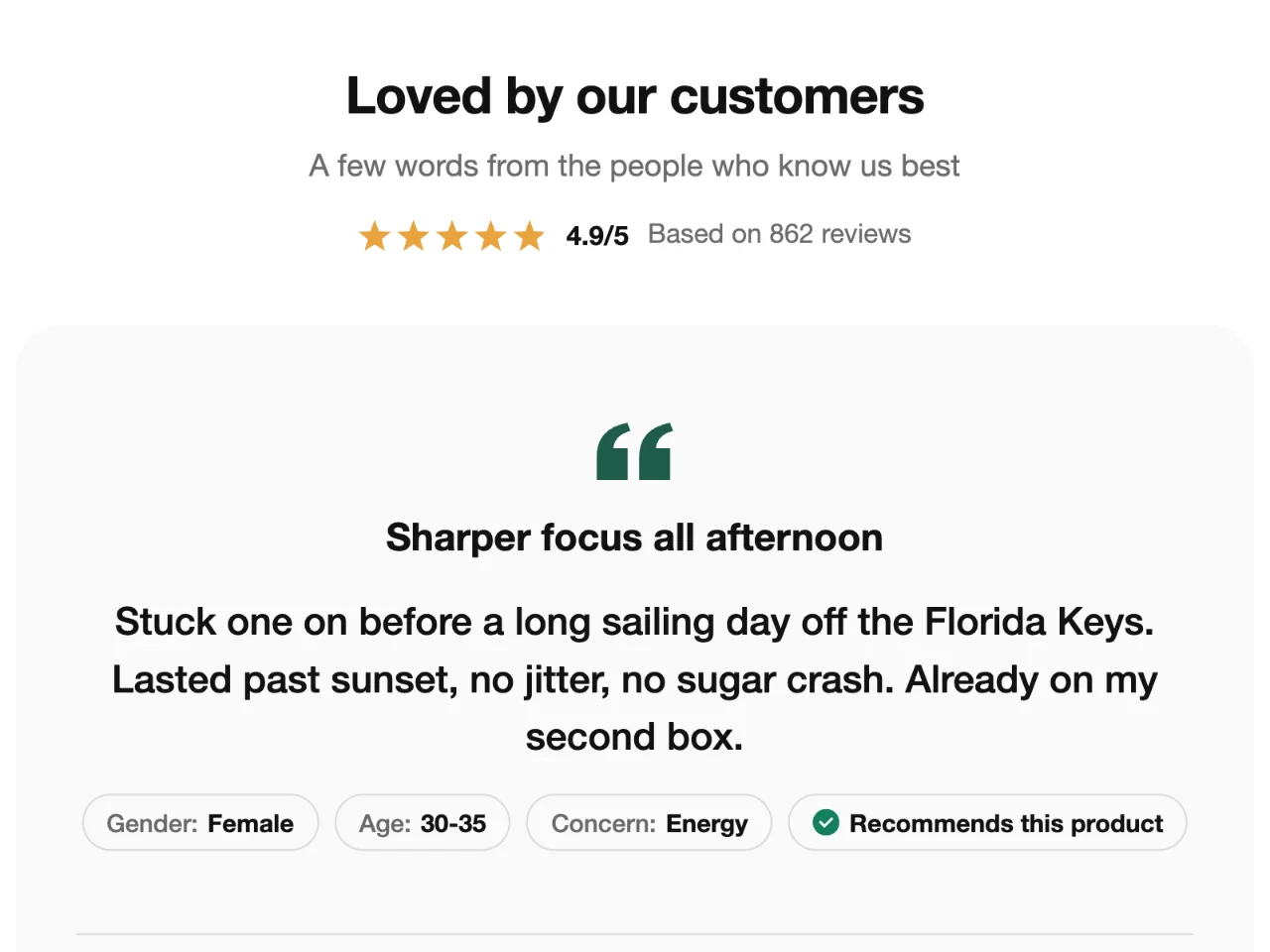
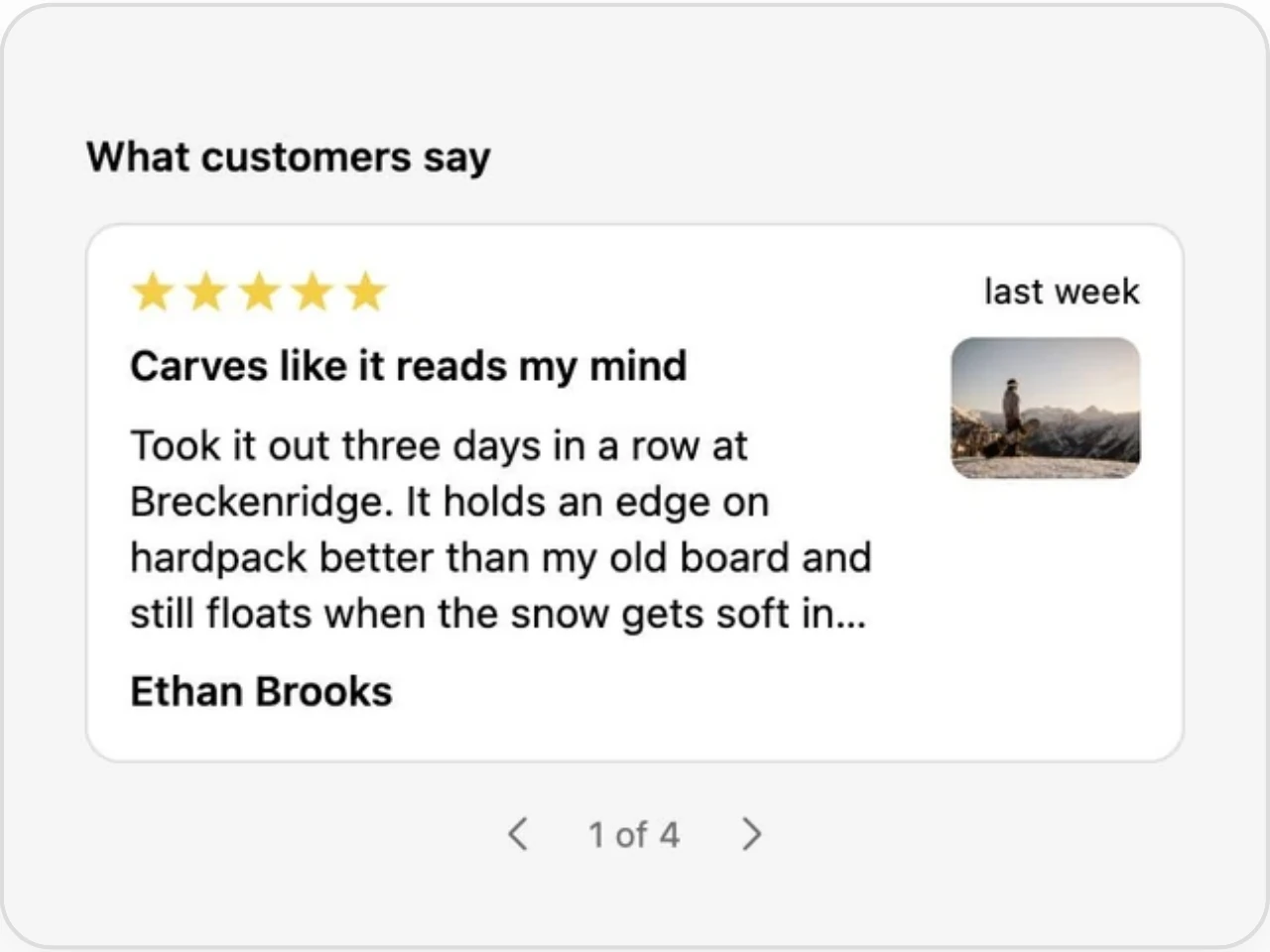
One large review at a time, with its details and product.
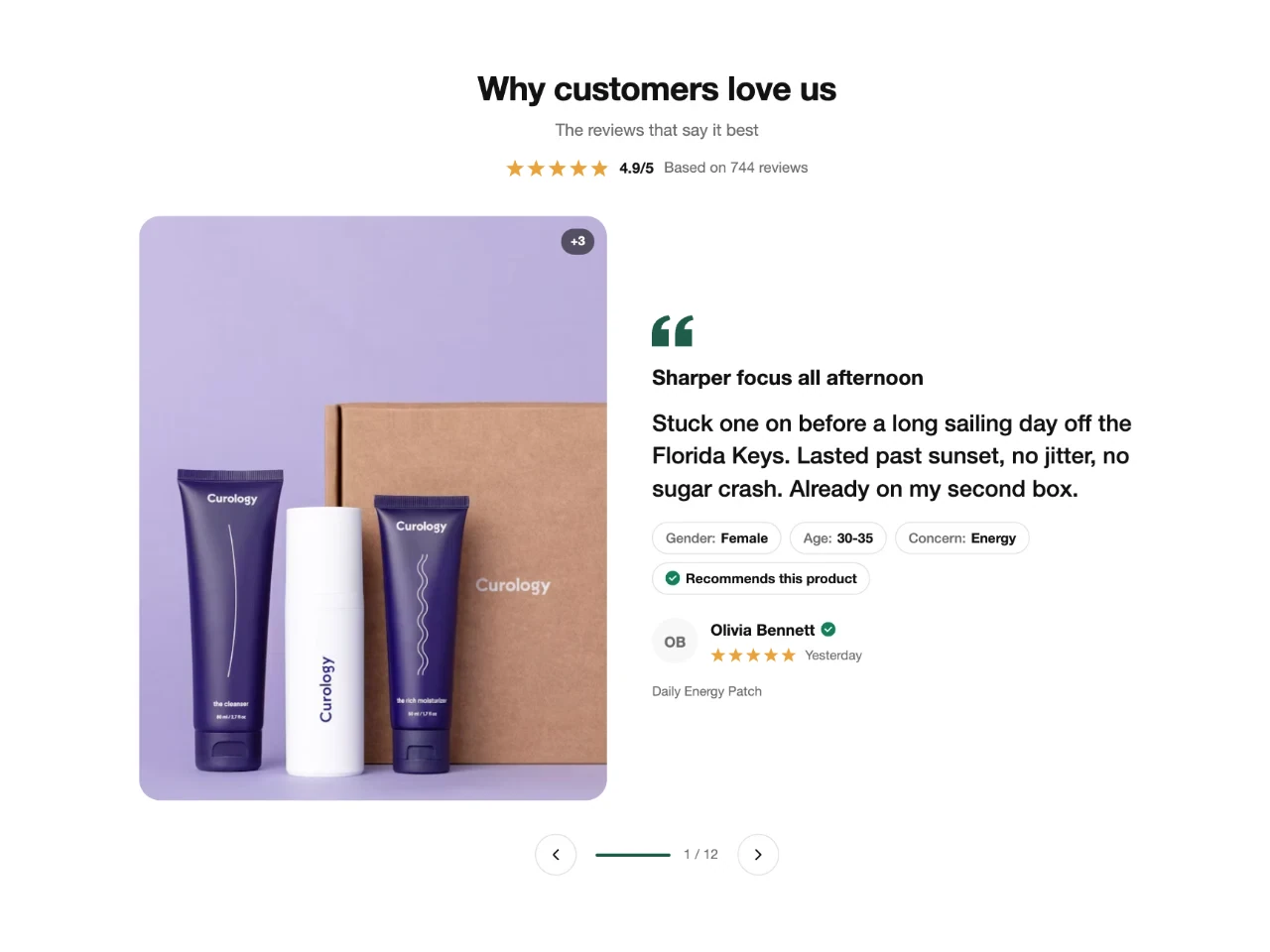
A large photo beside a large quote.
Customer photos and videos in a row of tiles.
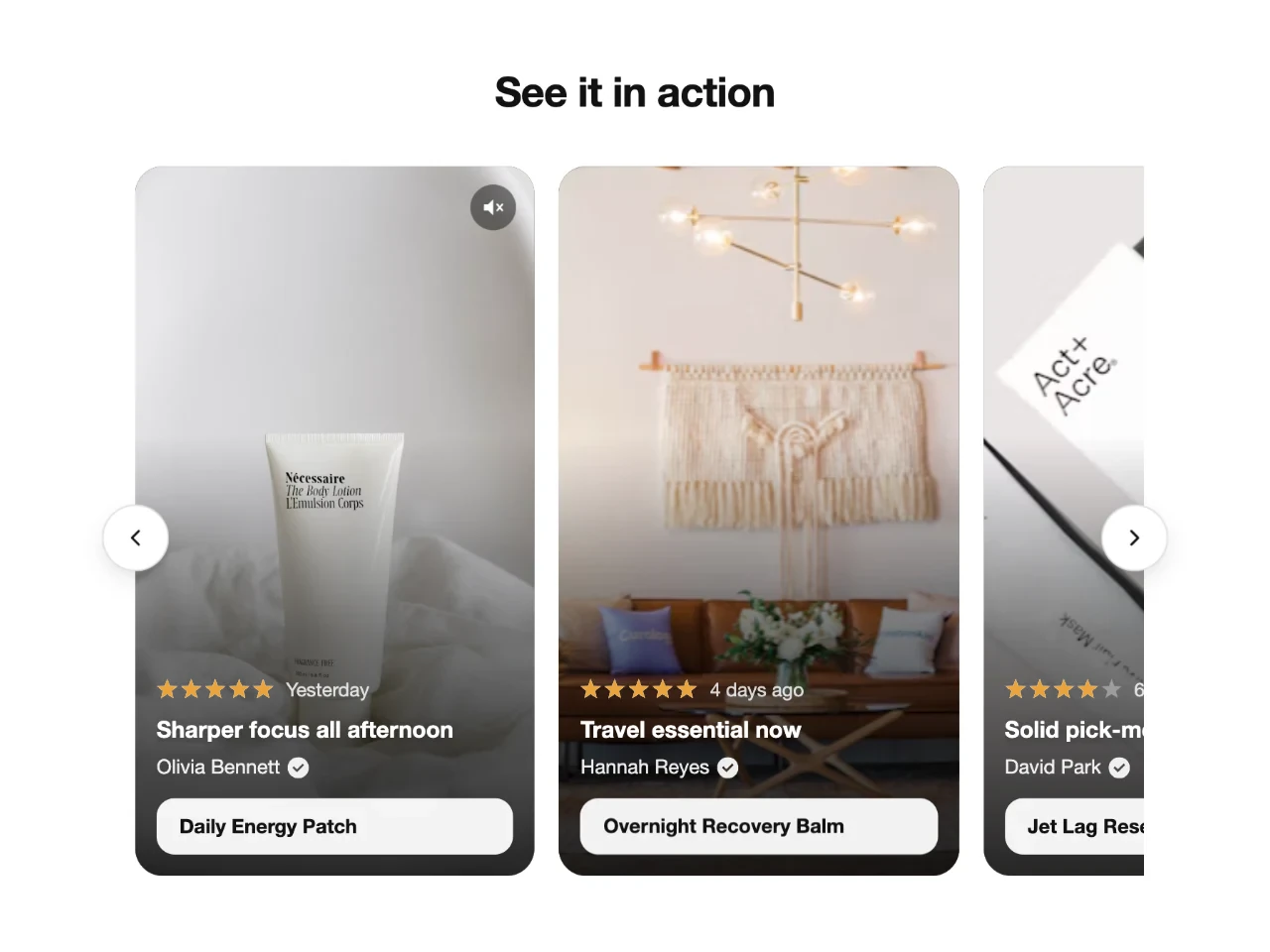
Vertical video tiles that play like a social feed.
Text-only quote cards for an editorial look.
A two-row wall of mixed photos and quotes.
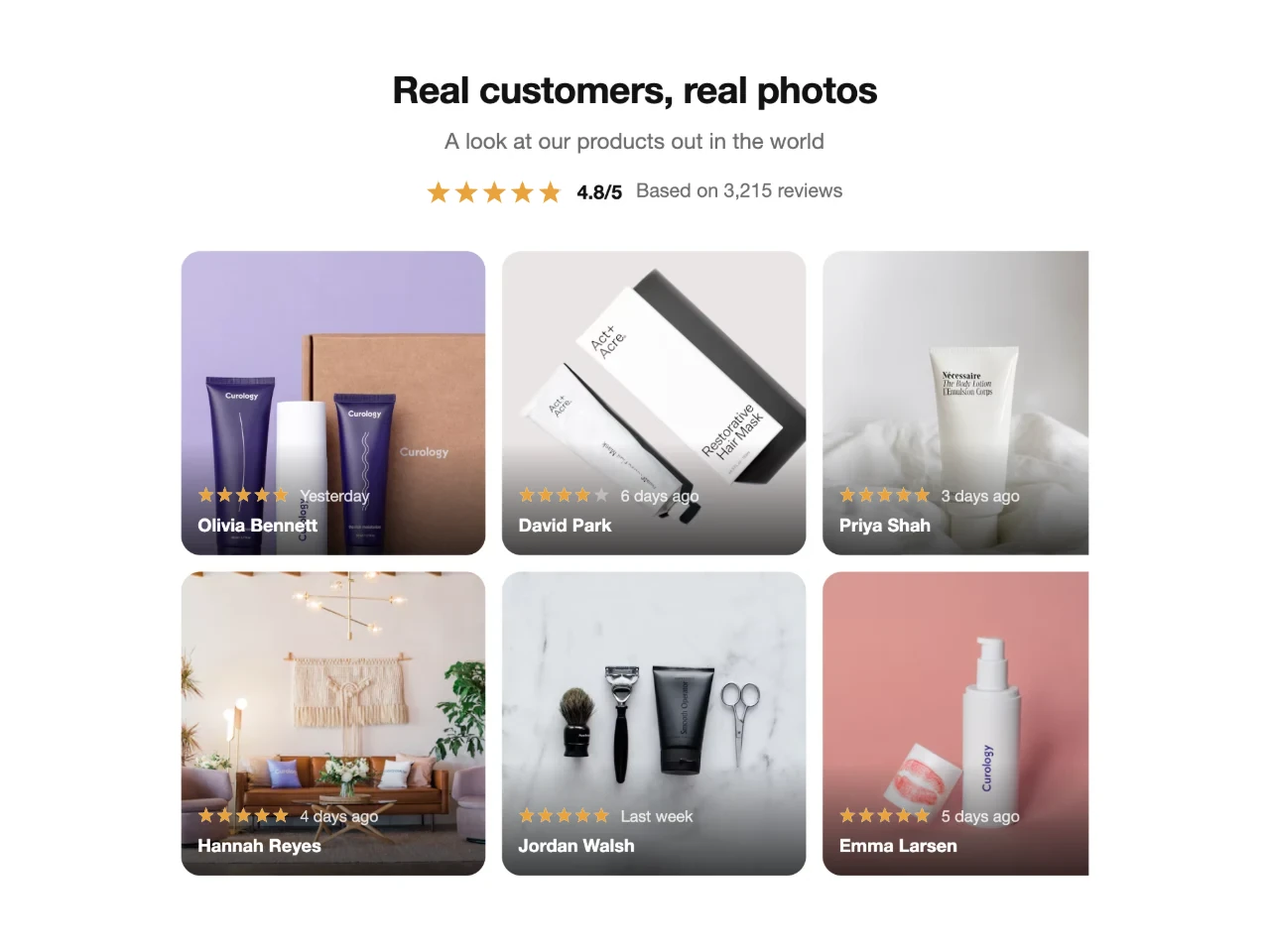
A centered photo card with a star badge over each photo.
Ratings and fresh reviews that follow shoppers from page to page, and a page with every review.
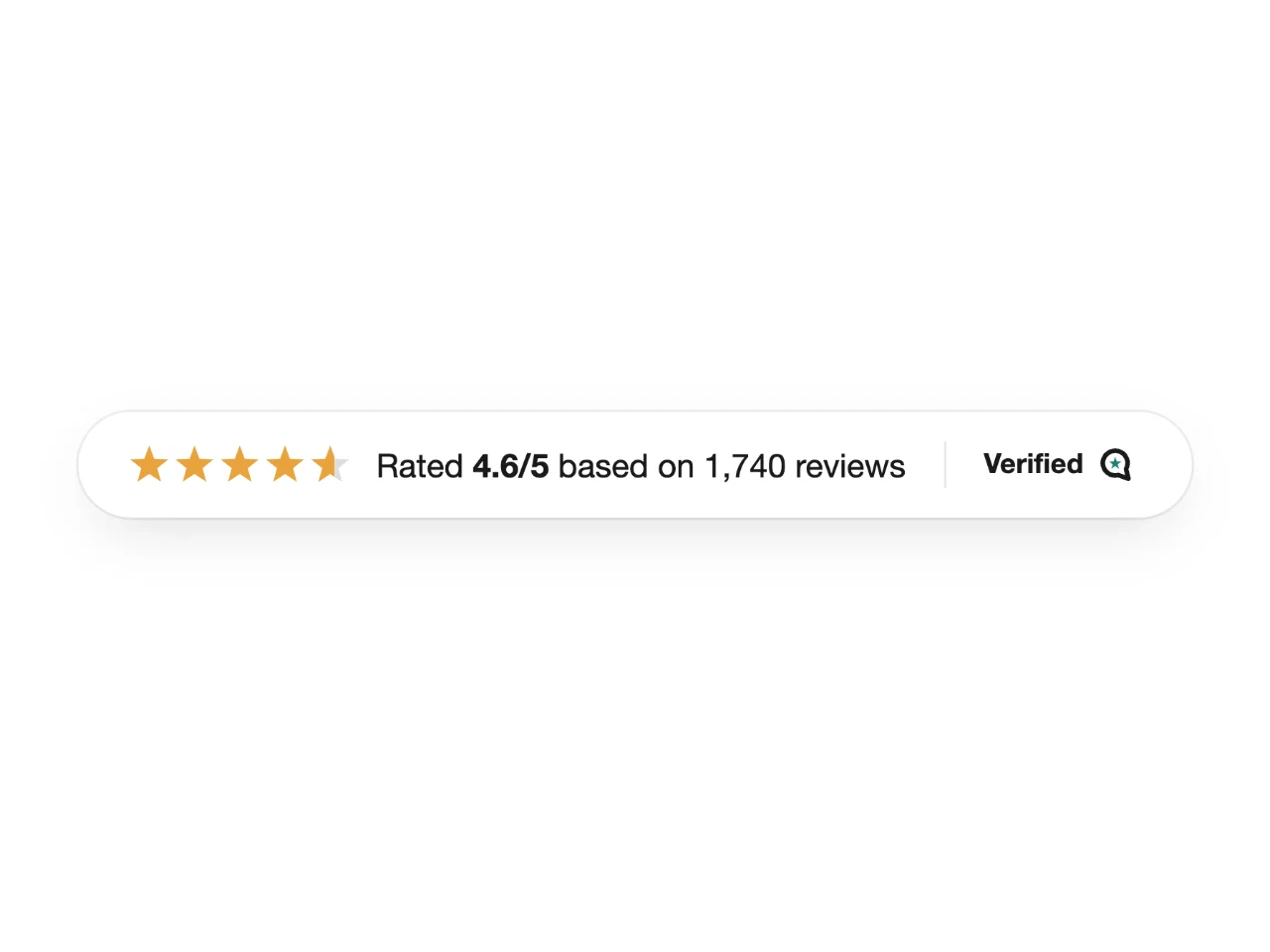
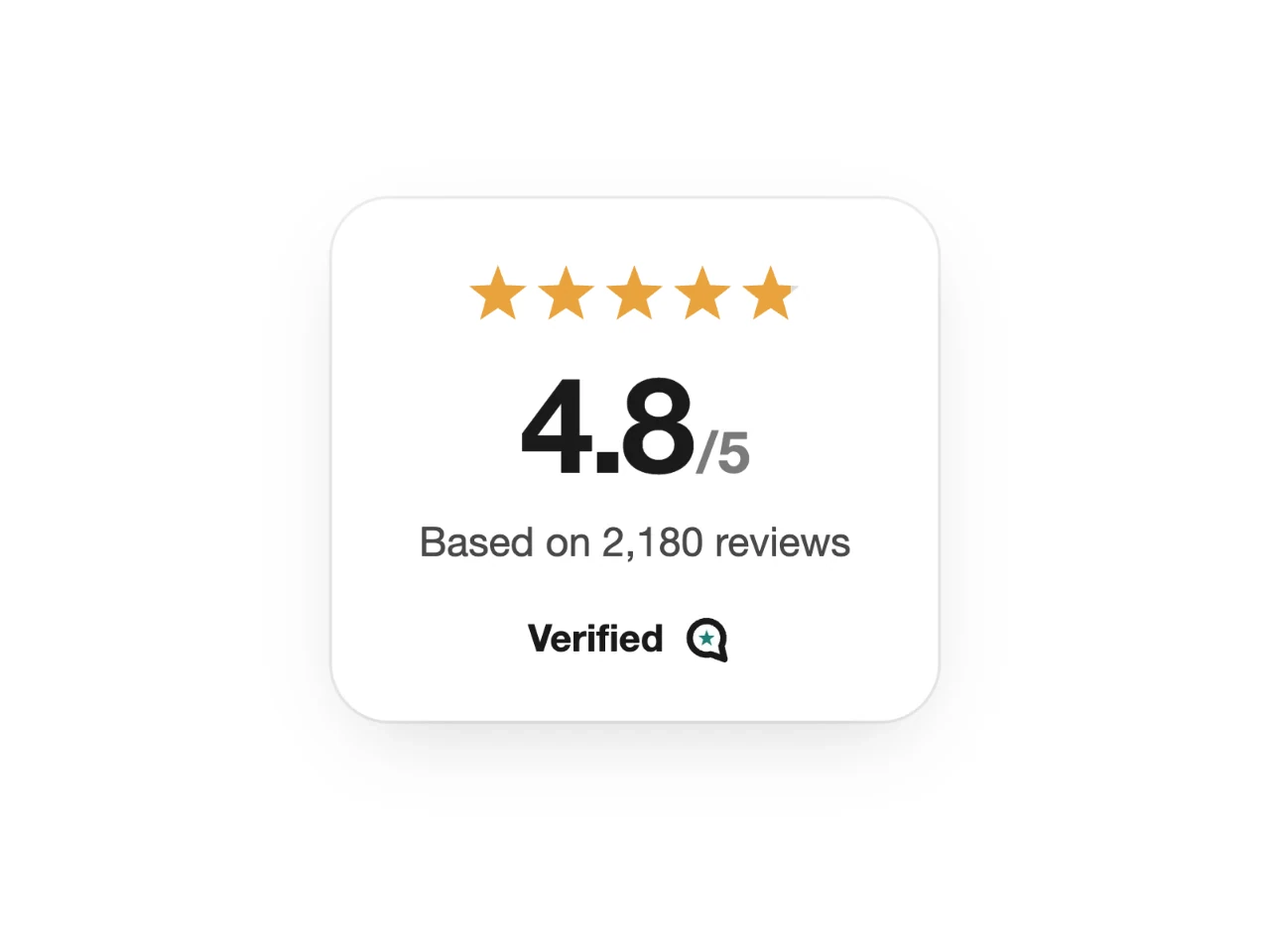
A slim bar with your rating, review count and a verified mark.
Your store's average rating and review count in a compact card.
Fresh reviews that slide in at the corner while shoppers browse.
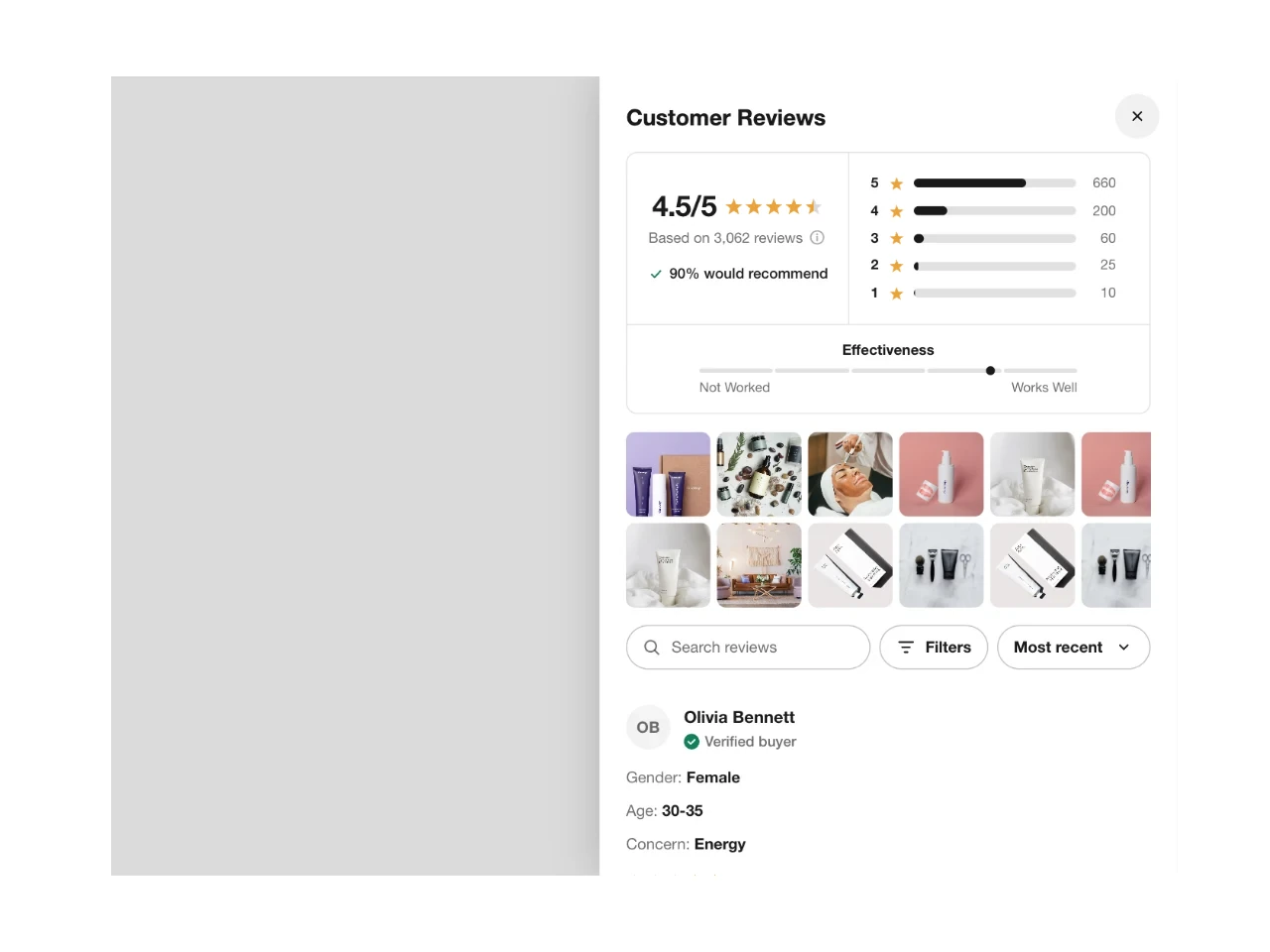
A tab on the edge of the screen that opens every review in a panel.
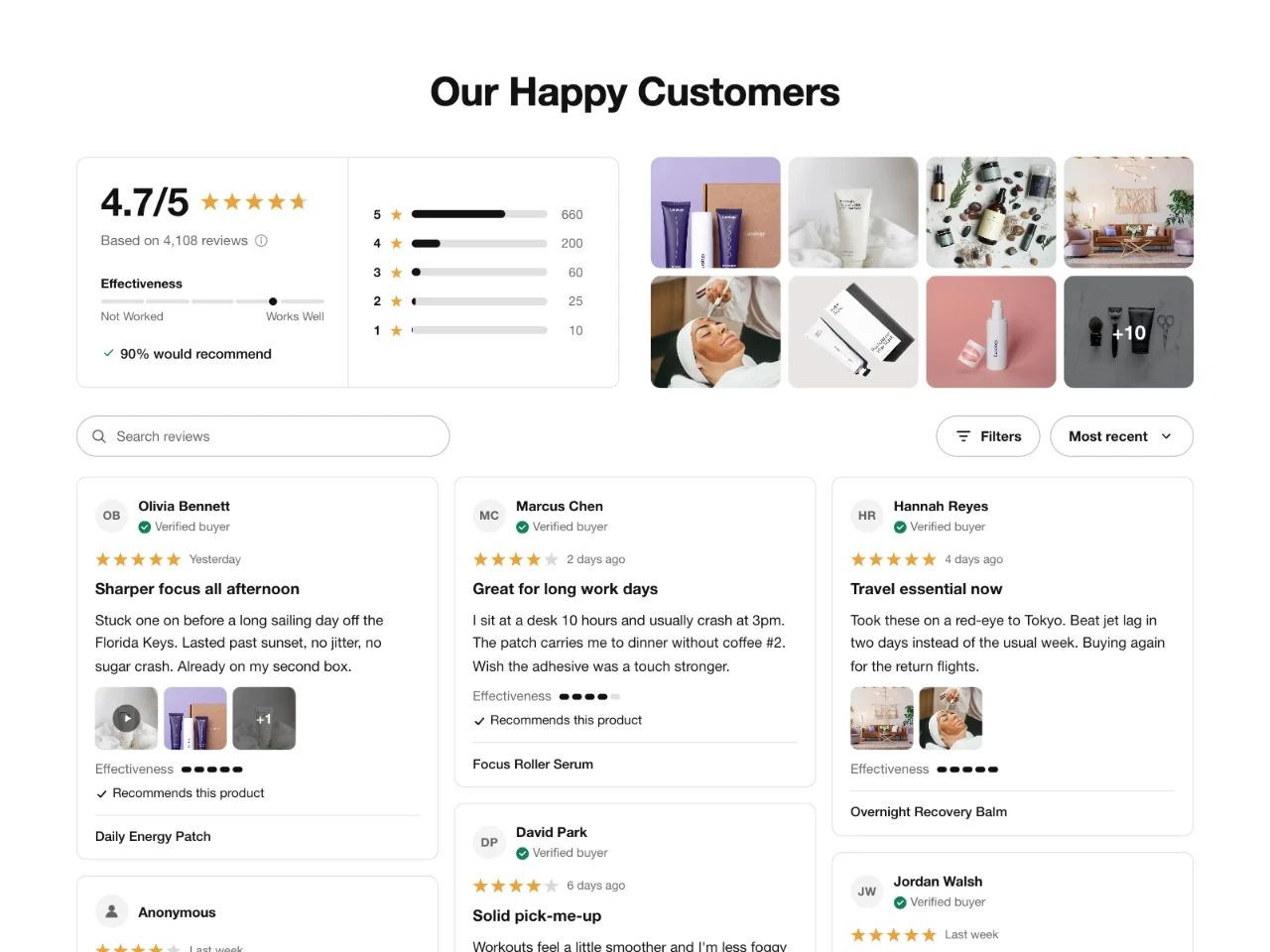
A dedicated page for every review across your store, with filters.
Stars on every product card and proof right before the order, in the cart and at checkout.
Stars on product cards across collections and search results.
Reviews for the products in the cart, right where second thoughts surface.
Ratings and featured reviews in the checkout's order summary, added in the checkout editor.
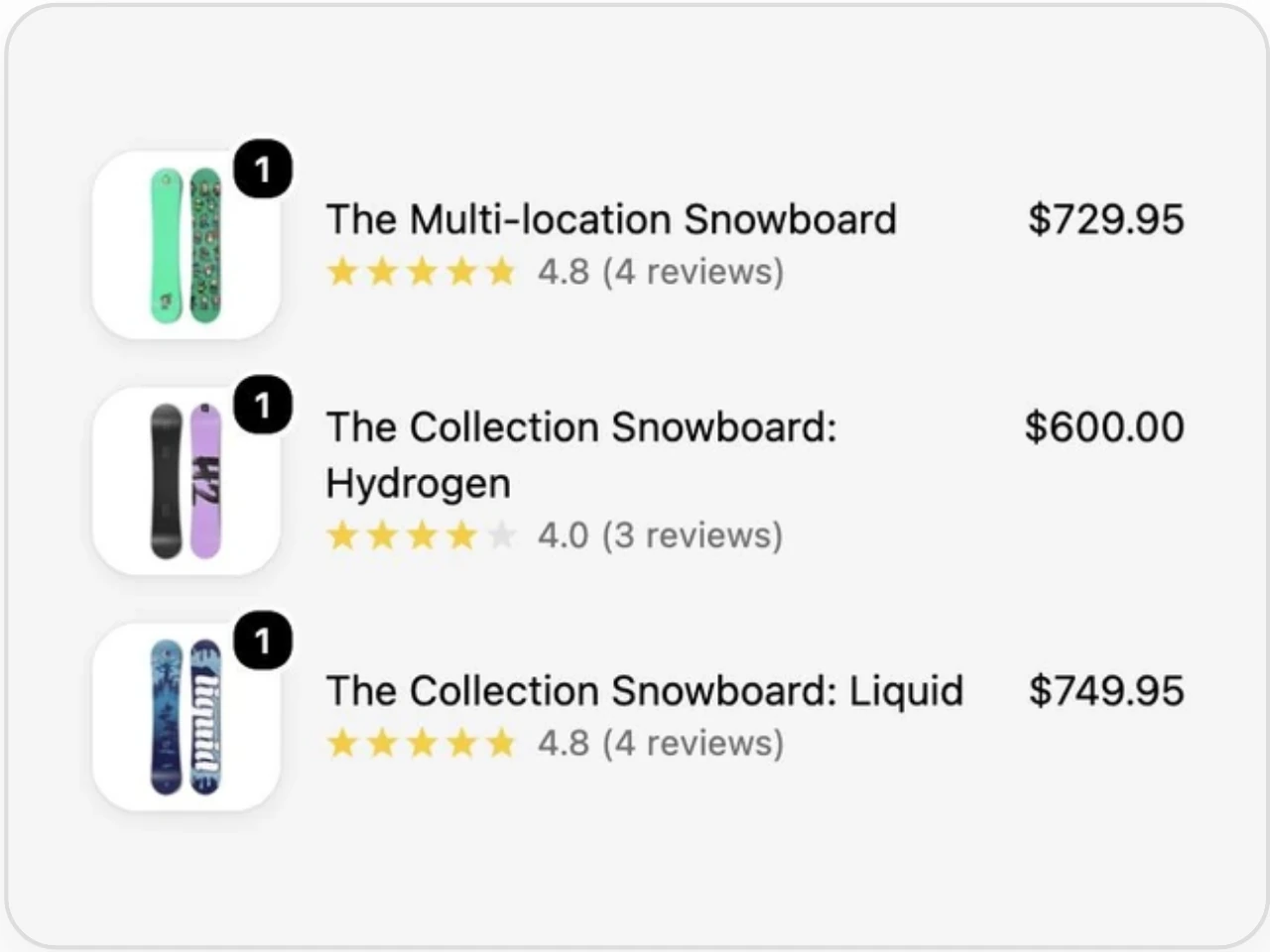
Stars and a review count under each item in the checkout's order summary.
Ask for the review on the buyer's order page and on your POS screen at the counter.
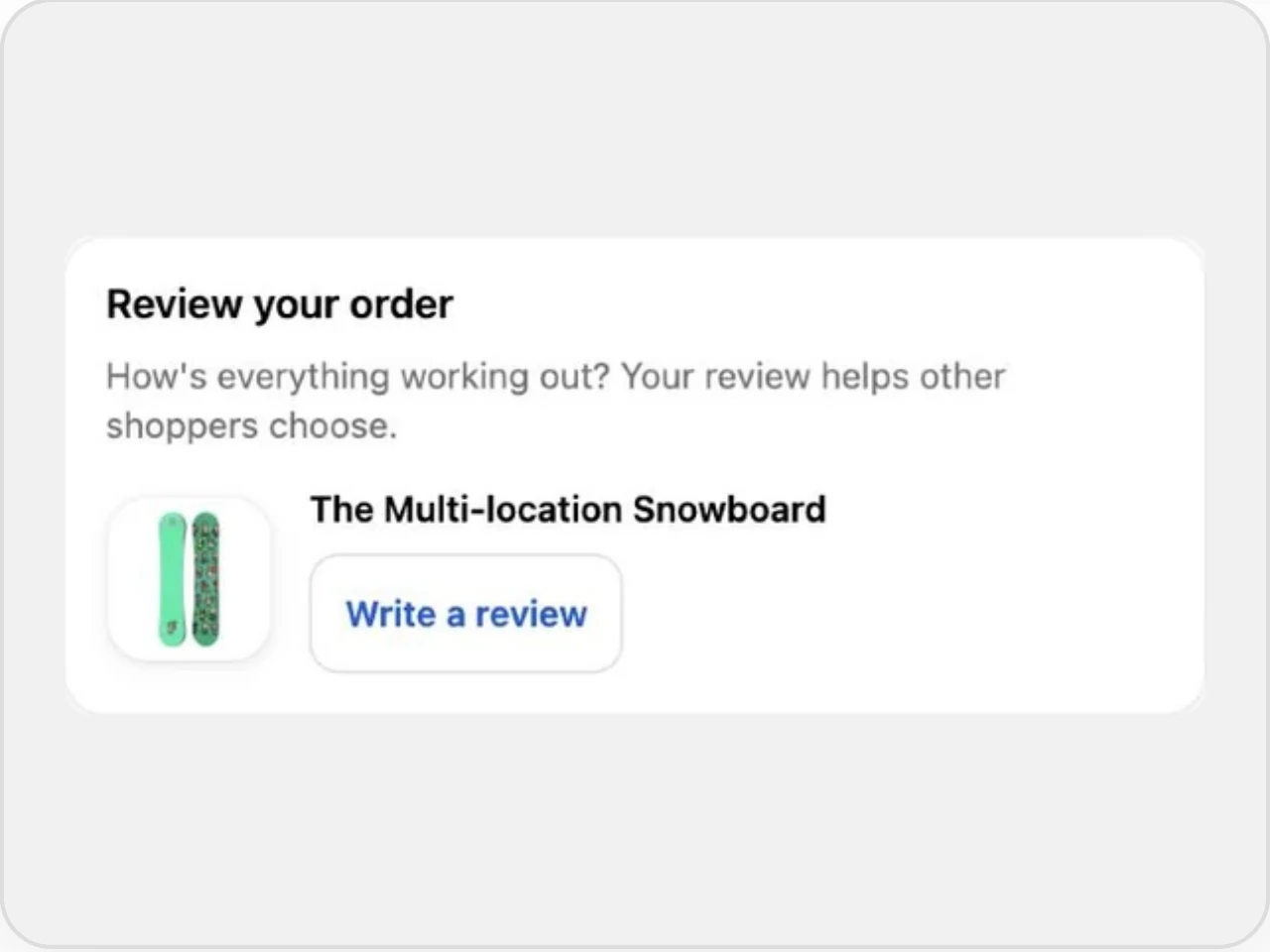
Buyers review what they bought from the order's page in their account.
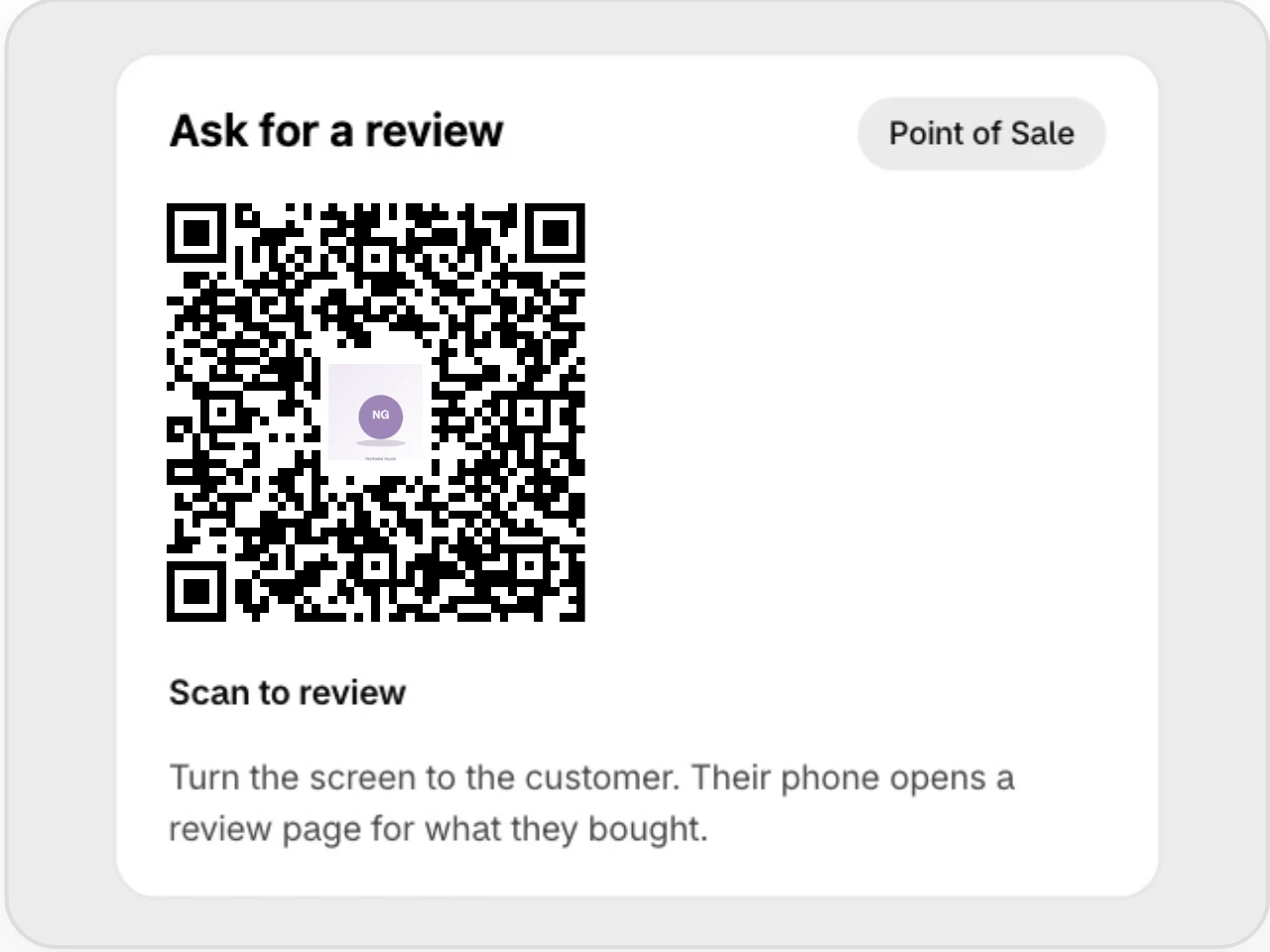
A QR code on the POS receipt screen opens a review page for what they bought.
Every widget takes your brand and your shoppers' language.
Set your brand once in Settings and every widget picks it up.
Add widgets in the Shopify theme editor, where your theme's sections already live.
Widgets follow the language each shopper picks on your store.
Add it as an app block in the Shopify theme editor. Store-wide widgets like the popup and the reviews sidebar switch on from the app embed.
Yes. Widgets use the brand colors and fonts you set in Settings, and each widget has its own style options.
Every widget is on every plan, including the free forever plan. The Nuggets slider comes with Nuggets on Growth and up, and Checkout Reviews needs a Shopify Plus store to show in checkout itself.
19 languages. Each widget follows the language the shopper picks on your store.
Yes. Visit the demo store to see every widget with reviews, photos and questions.
Yes. The free forever plan covers the core widgets, and paid plans start with a 14-day trial.
Start on the free forever plan or book a demo with a product expert.